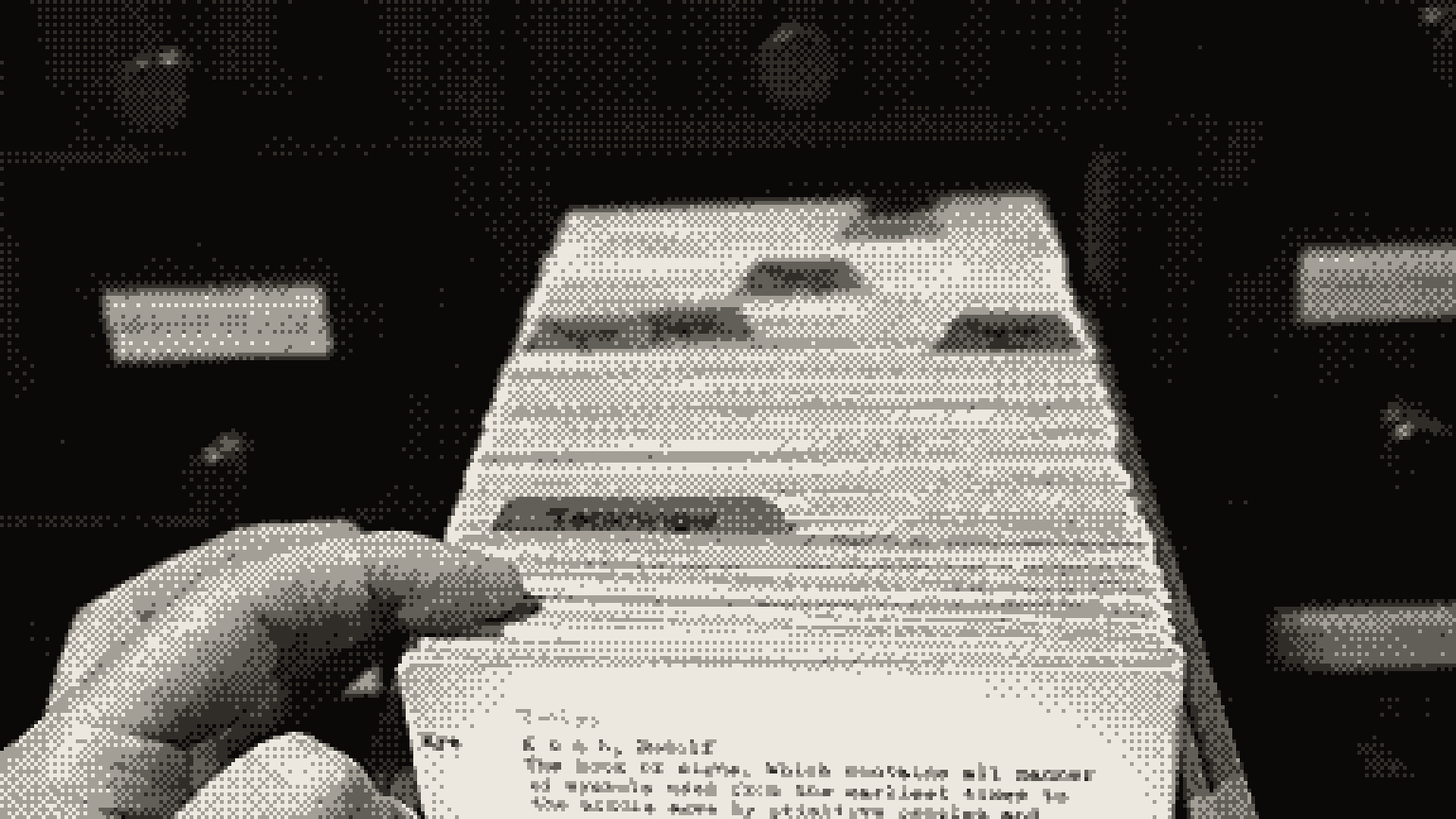
RAG, short for retrieval-augmented generation, is a way to make an AI model answer from your documents instead of from memory. When you ask a question, the system first searches your files for the most relevant passages. It then hands those passages to the model with your question, and the model writes an answer from them, with citations you can check.
That one idea powers most “chat with your docs” tools, support bots and internal knowledge assistants. Below: how each step works, when you need RAG and when you do not, and where it usually breaks.
- RAG means search first, then answer. The model reads a handful of retrieved passages, not your whole archive.
- The pipeline has five steps: chunk the documents, embed the chunks, search, rerank, and answer with citations.
- When a RAG answer is wrong, the right passage often never reached the model. Check retrieval first.
- Adding context to chunks, keyword search and a reranker cut failed retrievals by 67% in Anthropic’s tests.
- If your documents fit comfortably in the model’s context window, try pasting them in before you build anything.
What is RAG?
The name comes from a 2020 paper by Patrick Lewis and colleagues, who paired a language model with a searchable index of Wikipedia. They named two problems that still drive RAG today: models cannot show where a fact came from, and updating what they know is hard.
RAG answers both, and gives you four practical benefits:
Fresh answers. Update a document and the next answer reflects it. No retraining.
Private knowledge. Contracts, wikis, tickets and manuals the model never saw in training.
Citations. Each claim can point to the passage it came from, so you can check it.
Fewer invented answers. Fewer, not zero. Our guide to why AI makes things up explains why the rest slip through.
How RAG works, step by step
Every RAG system follows the same five steps. The first two happen ahead of time. The last three happen on every question.
Split documents into chunks
Break each document into passages. Anthropic describes typical chunks as “usually no more than a few hundred tokens,” and a token is roughly three quarters of a word. Split at headings and paragraphs, never mid-sentence, and keep metadata such as title, section, date and link.
Turn each chunk into an embedding
An embedding model converts text into a long list of numbers that captures its meaning. Passages about similar ideas land close together, even when they use different words. Store these vectors in a vector database, or in a vector index inside a database you already run. Our guide to what embeddings are covers the map analogy and a worked example.
Search for the relevant chunks
Embed the question the same way and find the nearest chunks. Add keyword search too, usually BM25, a classic ranking method that rewards exact word matches. Meaning-based search misses exact codes and names, and keyword search misses paraphrases. Together they are called hybrid search.
Rerank the shortlist
A reranker is a second model that reads the question and each candidate chunk together, then scores how well they match. It is slower than vector search, so run it on a shortlist and keep the best few. Anthropic’s tests passed the top 20 chunks to the model.
Answer with citations
Put the top chunks into the prompt with the question. Tell the model to answer only from them, cite a source for every claim, and say plainly when the answer is not there.
In code, the whole loop is short. This sketch uses placeholder functions for whichever embedding model, database and language model you pick:
# Ahead of time: index your documents
chunks = split_into_chunks(documents, max_tokens=400)
index = [(embed(chunk), chunk) for chunk in chunks]

# On every question
def answer(question):
    candidates = vector_search(index, embed(question), k=50)
    candidates += keyword_search(chunks, question, k=50)
    best = rerank(question, candidates)[:20]
    return llm(build_prompt(question, best))
And this is the kind of prompt that sits at the end of the pipeline:
Answer the question using only the sources below.

<sources>
<source id="1" title="[document title]">[chunk text]</source>
<source id="2" title="[document title]">[chunk text]</source>
</sources>

Question: [the user's question]

Rules:
- After every claim, cite the source id in brackets, like [2].
- If the sources do not contain the answer, say "I could not find this in the documents." Do not use outside knowledge.
- If the sources disagree, say so and cite both.
Fix retrieval first
When a RAG answer is wrong, look at what was retrieved before you touch the prompt or the model. If the right passage was not in the results, no model can use it.
A common culprit is lost context. Anthropic’s example is a chunk that says only “The company’s revenue grew by 3% over the previous quarter.” Which company? Which quarter? Once a chunk is cut from its document, search cannot tell.
Anthropic’s fix, which it calls contextual retrieval, has a model write a short note placing each chunk in its document, then attaches that note before indexing. It measured how often the right passage was missing from the top 20 results:
The failure rate fell from 5.7% to 1.9%. None of these changes touched the model. They changed what the model got to read.
When should you use RAG?
RAG is one of three ways to give a model knowledge it lacks. The other two are pasting everything into the prompt and fine-tuning, which means further training the model on your data. Our guide to fine-tuning vs RAG vs prompting compares all three side by side.
| Paste it all in | RAG | Fine-tuning | |
|---|---|---|---|
| Best for | A small set of documents | Large or changing collections | Style, format and narrow skills |
| Setup effort | None | Moderate: an index and a pipeline | High: data, training and evaluation |
| Keeping it current | Paste the new version | Re-index the changed files | Train again |
| Citations | Possible, if you ask for quotes | Built in | Not really |
| Cost per question | Grows with document size | Small, focused prompts | Low to run, costly to train |
| Typical failure | Details lost in a very long input | The right passage is never retrieved | Learns the style, not the facts |
Try pasting it all in first. Anthropic’s advice: if your knowledge base is under 200,000 tokens, about 500 pages, “you can just include the entire knowledge base in the prompt.” Prompt caching keeps repeat questions cheap. As of September 2026, Anthropic’s newer models accept up to a million tokens at standard prices.
Bigger is not free, though. Long prompts cost more per question, and models get less reliable as their input grows, as our context engineering guide explains. For a feel of the sizes, see tokens and context windows.
Do not fine-tune for facts. A 2023 study found that RAG “consistently outperforms” unsupervised fine-tuning for adding knowledge, and that models “struggle to learn new factual information” through fine-tuning. Fine-tune for tone and format. Retrieve for facts.
Agentic RAG: when the agent does the searching
Classic RAG retrieves once, before the model starts writing. Agents can retrieve as they go: search, read, notice a gap, search again. Anthropic calls this “just in time” retrieval. The agent keeps lightweight references such as file paths and links, and loads the content only when it needs it.
Anthropic’s coding agent, Claude Code, works this way. It loads its project instruction files up front, then uses simple tools such as grep and file search to pull in files as it goes. Anthropic reports that more teams now pair an embedding index with this kind of on-demand search.
- Questions that need several searches in a row
- Sources that change constantly, like code or tickets
- Skipping the work of building and syncing an index
- Slower answers and more tokens per question
- Less predictable results: two runs may read different files
- Hidden instructions in any page or file the agent reads
Why RAG answers go wrong
Most bad answers trace back to one of these. Start by reading what was retrieved for the failing question.
| Symptom | Likely cause | Fix |
|---|---|---|
| Misses exact names, codes or error messages | Meaning-only search | Add keyword search |
| Right document, wrong answer | The chunk lost its context, or a table was split | Chunk at natural boundaries and add context to each chunk |
| Cites an outdated policy | Old and new versions are both indexed | Store dates, and filter or prefer the latest |
| Buries the answer in noise | Too many weak chunks in the prompt | Rerank, and pass fewer, better chunks |
| Answers from memory instead | Weak instructions | Require citations and a “not found” reply |
| Shows a user a document they should not see | No access control at search time | Filter results by each user’s permissions |
Before you ship
FAQ
What does RAG stand for?
Retrieval-augmented generation. Retrieval is the search step, augmented means the results are added to the prompt, and generation is the model writing the answer.
Is RAG better than fine-tuning?
For facts, usually yes. It is cheaper to update, and it can cite its sources. A 2023 comparison found RAG consistently beat unsupervised fine-tuning at adding knowledge. Fine-tuning is better for teaching a style, a format or a narrow skill.
Do I need a vector database for RAG?
Not always. Small projects can keep embeddings in memory or in the database they already run. Some agents skip embeddings entirely and search files with keyword tools. A dedicated vector database earns its place as the collection grows.
Does RAG stop hallucinations?
It reduces them, because the model answers from real text. It does not stop them. A 2024 Stanford study found that legal research tools built on retrieval still hallucinated 17% to 33% of the time. Ask for citations, and check them.
Is RAG dead now that context windows are huge?
No. Long context removes the need for RAG on small collections, and it is worth trying first. For large, changing or permission-controlled collections, retrieval keeps each prompt smaller, cheaper and easier to audit.
- RAG makes a model answer from your documents: search first, then generate.
- When answers go wrong, inspect retrieval before blaming the model.
- Paste small collections in whole; use RAG for large or changing ones.
- Fine-tune for style and format, not for facts.
Next, see how hidden instructions in documents can hijack an AI, or learn how to cut the cost of every AI call.
- Retrieval-augmented generation for knowledge-intensive NLP tasks, Lewis et al., NeurIPS, 2020
- Introducing contextual retrieval, Anthropic, September 2024
- Fine-tuning or retrieval? Comparing knowledge injection in LLMs, Ovadia et al., December 2023
- Effective context engineering for AI agents, Anthropic, September 2025
- Hallucination-free? Assessing the reliability of leading AI legal research tools, Magesh et al., Stanford, May 2024
- Pricing, Anthropic docs, accessed September 2026